Monthly Statement
Fees, minimums & statement numbering
Step-by-step guide
What's on your monthly statement
Your statement breaks down every fee charged during the billing period, so you can see exactly what you paid and why.
Fee line items
Your statement itemizes these fees separately:
- Processing fees — standard card processing charges
- ACH fees — charges for ACH bank transfers, shown as their own line item
- BNPL fees — charges for Buy Now Pay Later transactions (Affirm, Klarna), shown as their own line item
- Chargeback fees — charges for disputed transactions, shown as their own line item
- Monthly minimum — if your processing volume falls below the minimum threshold, the difference is charged as a fee
Breaking these out separately makes it easier to see what's driving your costs — for example, if BNPL fees are a bigger share of your total than expected, or how many chargebacks hit your account in a given month.
Statement numbering
Each statement has a unique number so you can reference it in support conversations or reconcile it against your own records. Statements are generated monthly and cover a full billing cycle.
Where to find your statement
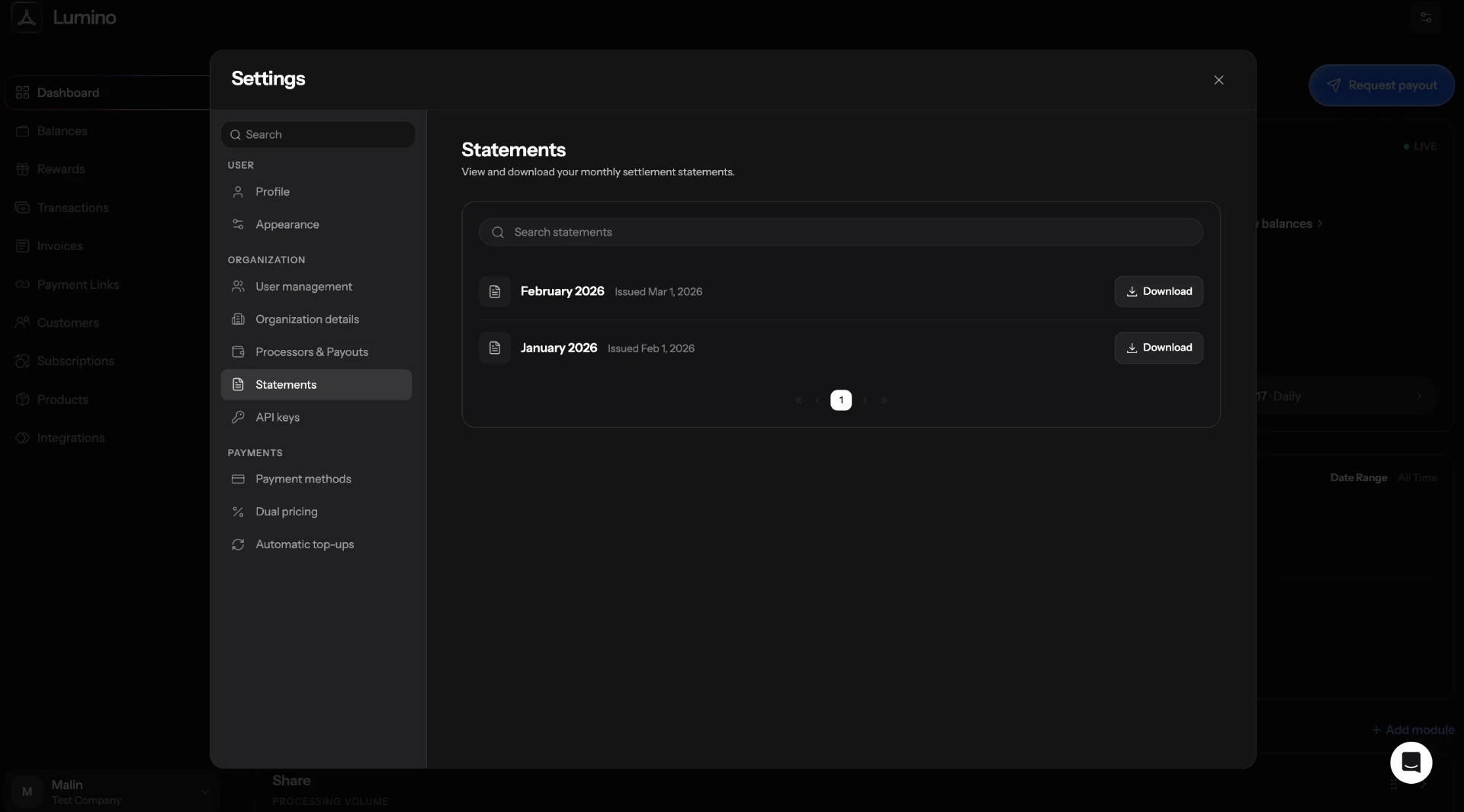
Your statements are in Statements in your dashboard settings. Each one shows the itemized fees above, along with your total processing volume for the period.
Questions about a specific fee
If a fee looks wrong or you don't recognize it, check the payment for that date in Transactions — most fees tie back to a specific transaction or payment method.