
Payout schedule
Daily, weekly or monthly payouts
Step-by-step guide
Choose how often Lumino sends your money to your bank automatically. You set it once, and you can change it whenever you like.
Set your schedule
- Open Settings in your dashboard.
- Go to Payouts.
- Under Automatic payouts, pick how often you want to be paid: Daily, Weekly or Monthly.
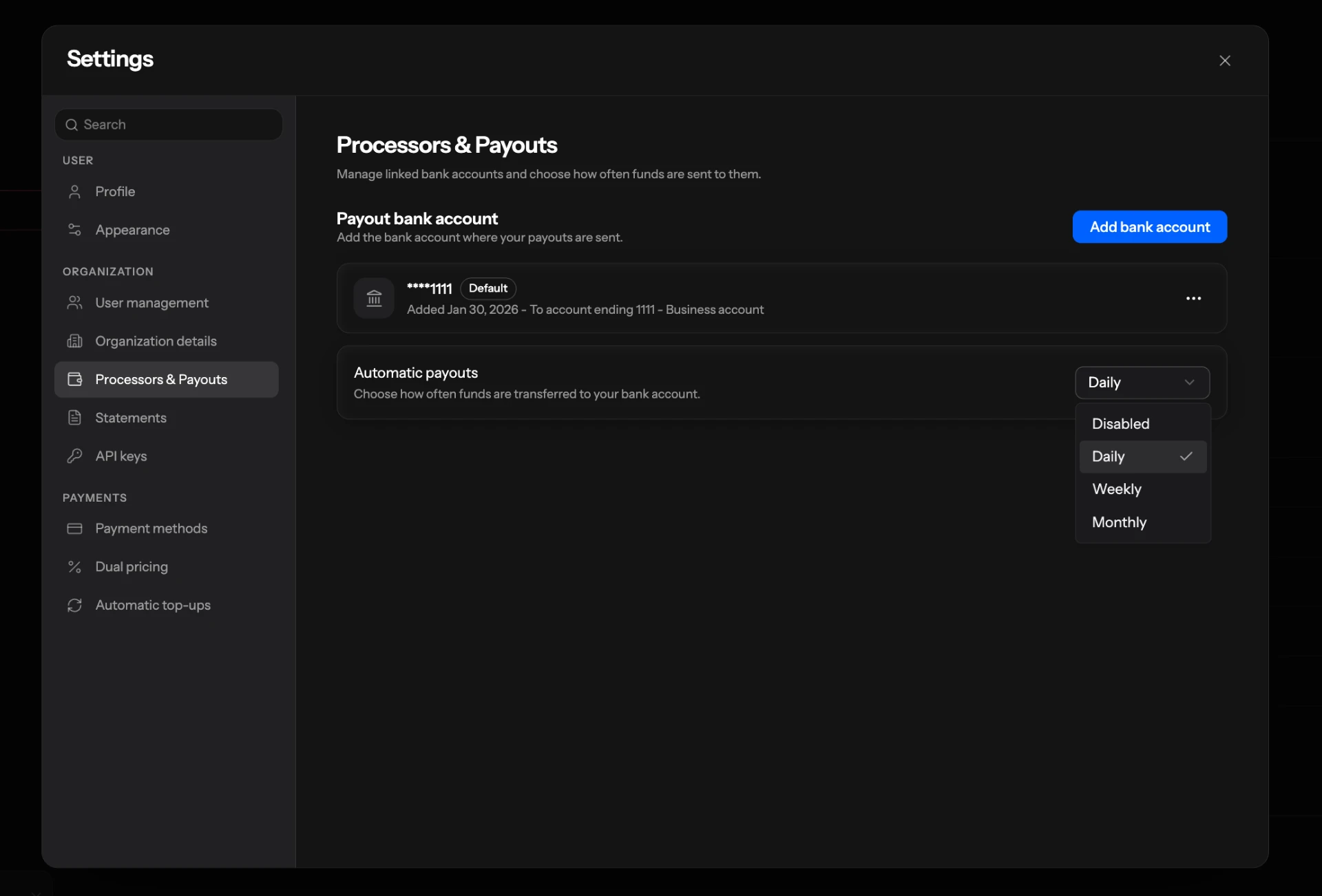
The change saves as soon as you pick an option, so there's no separate save button.
The options
- Daily: your available balance goes to your bank every day.
- Weekly: once a week.
- Monthly: once a month.
- Disabled: no automatic payouts. Your money stays in your balance until you request a payout yourself.
Only account admins can change this setting. If the menu is greyed out, ask an admin on your account.
Need money before your next payout?
You can always request a payout yourself. See How to request an on-demand payout.