
Topping up your balance
Here's what to know before adding funds to your Lumino balance.
Step-by-step guide
Here's what to know before adding funds to your Lumino balance.
How to top up
-
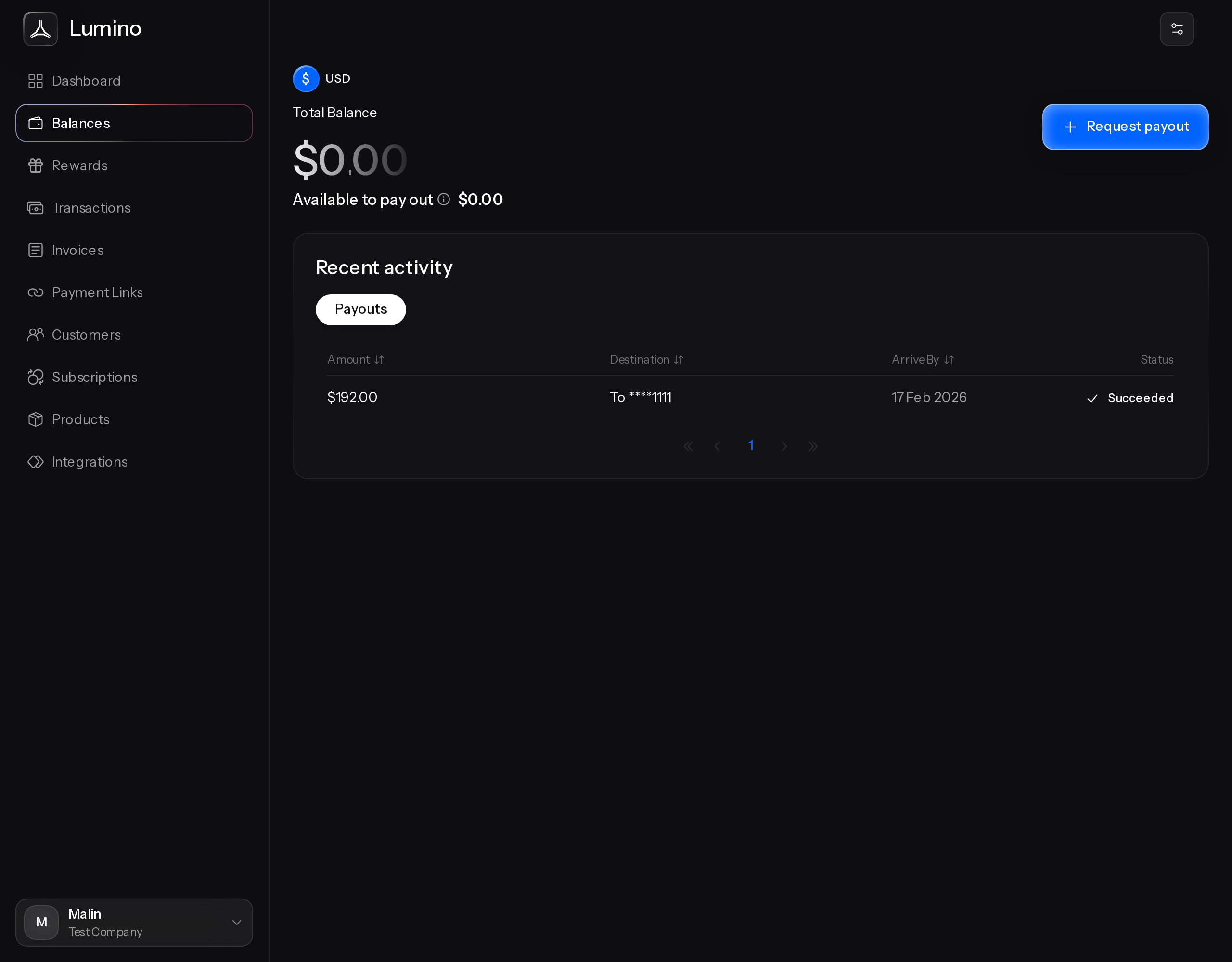
Open the Balances page.
-
Select Top-up.
-
Enter the amount you want to add and confirm.
Only merchant admins can start a top-up. While a top-up is processing, the Top-up button is paused so the same request isn't sent twice.
Your top-up history
The Top Ups tab on the Balances page lists every top-up with its amount, source, date, and status.
Timing
A top-up shows as pending first, then becomes available in your balance, so you can always see money in transit.
Limits
Top-ups have limits on how much and how often you can add funds in a given period. If you're getting close to one, you'll see an alert before you reach it.