
ACH
Bank transfers with lower fees
Step-by-step guide
Managing ACH Availability in Checkout
This document explains how to disable ACH (Automated Clearing House) as a payment option in your checkout so that it no longer appears to customers during the payment process.
Step 1: Open the Settings Menu
If
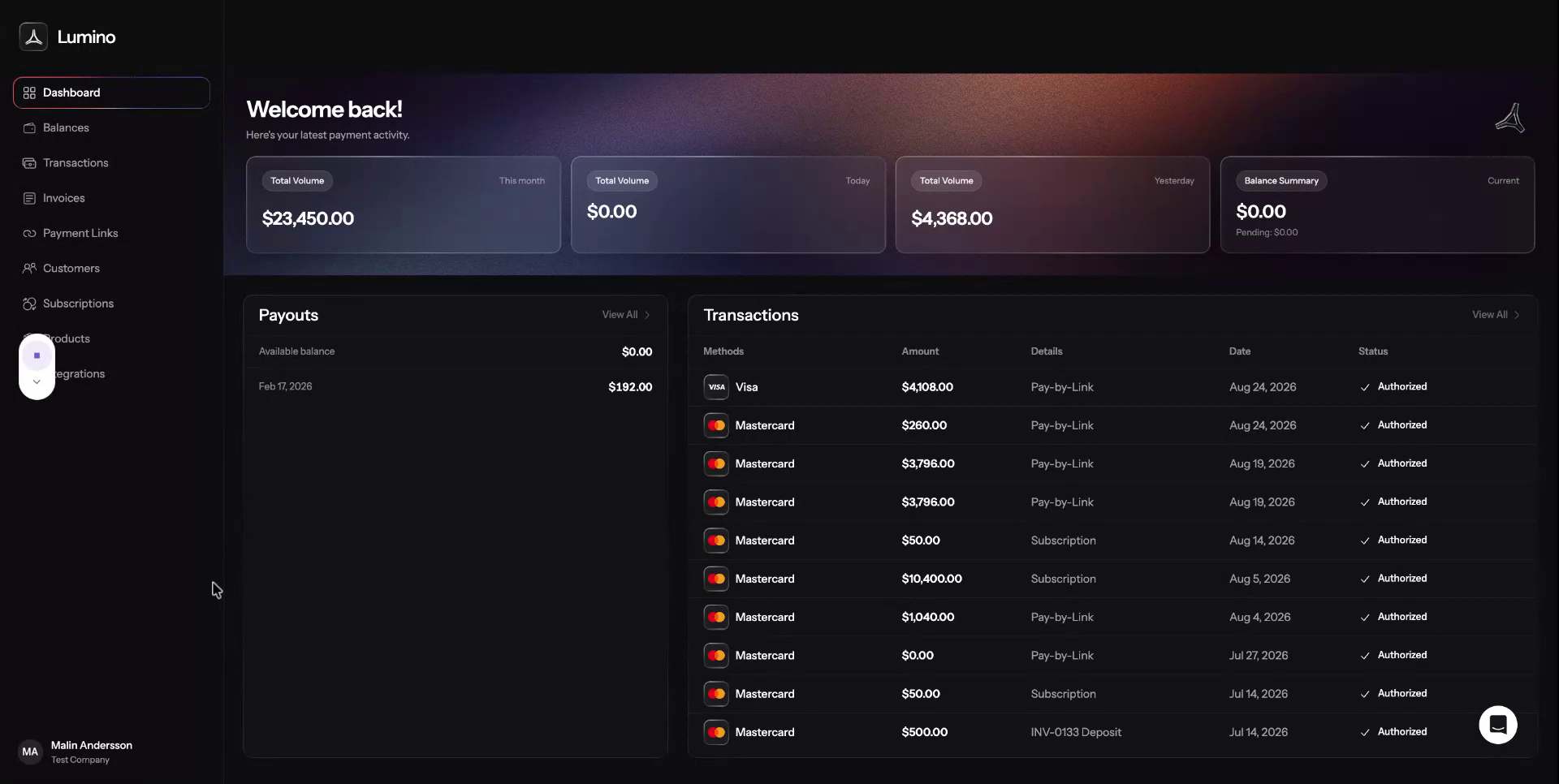
you do not want to offer ACH in your checkout, scroll down
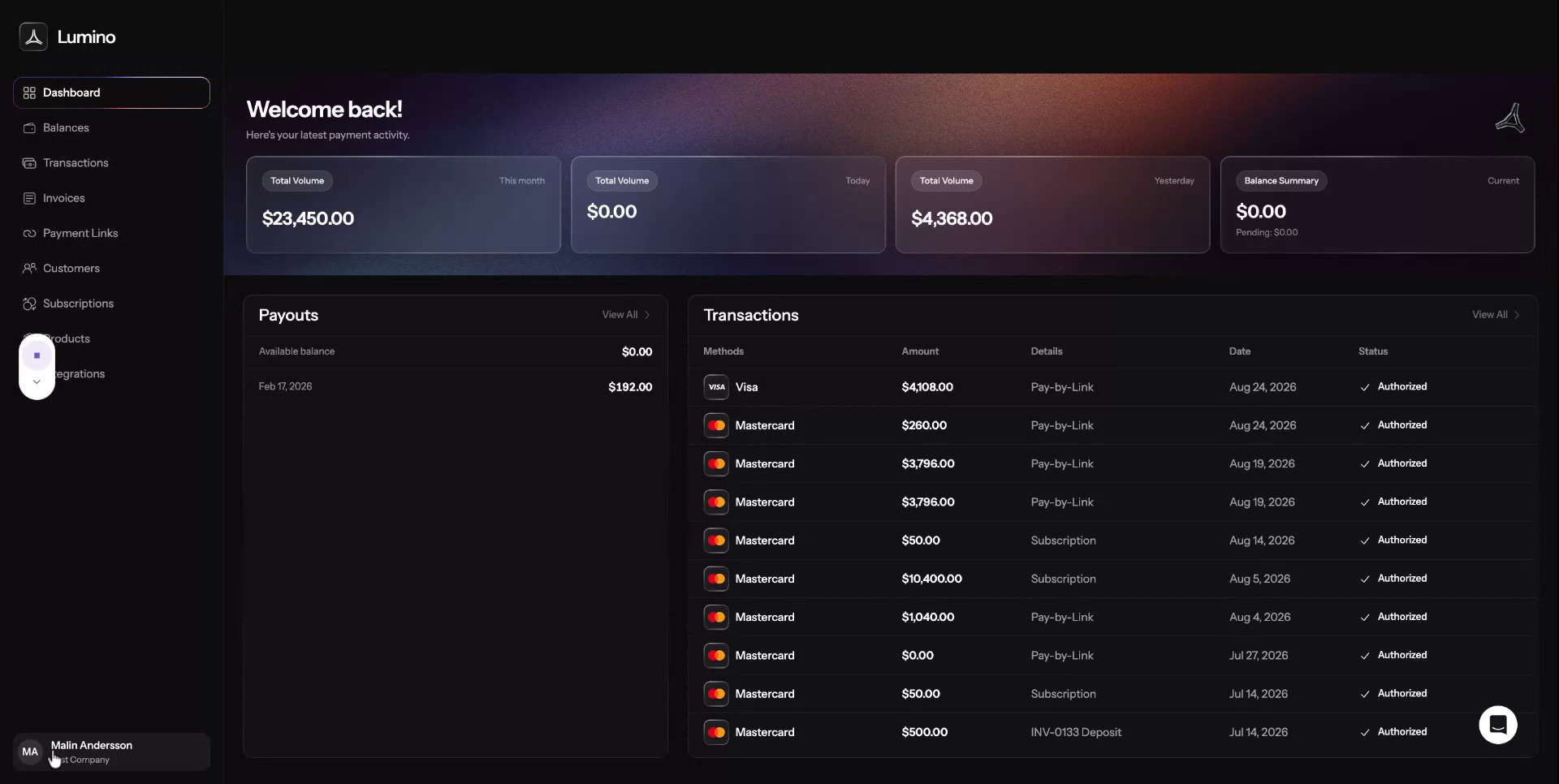
to the bottom-left corner of the screen and click Settings.
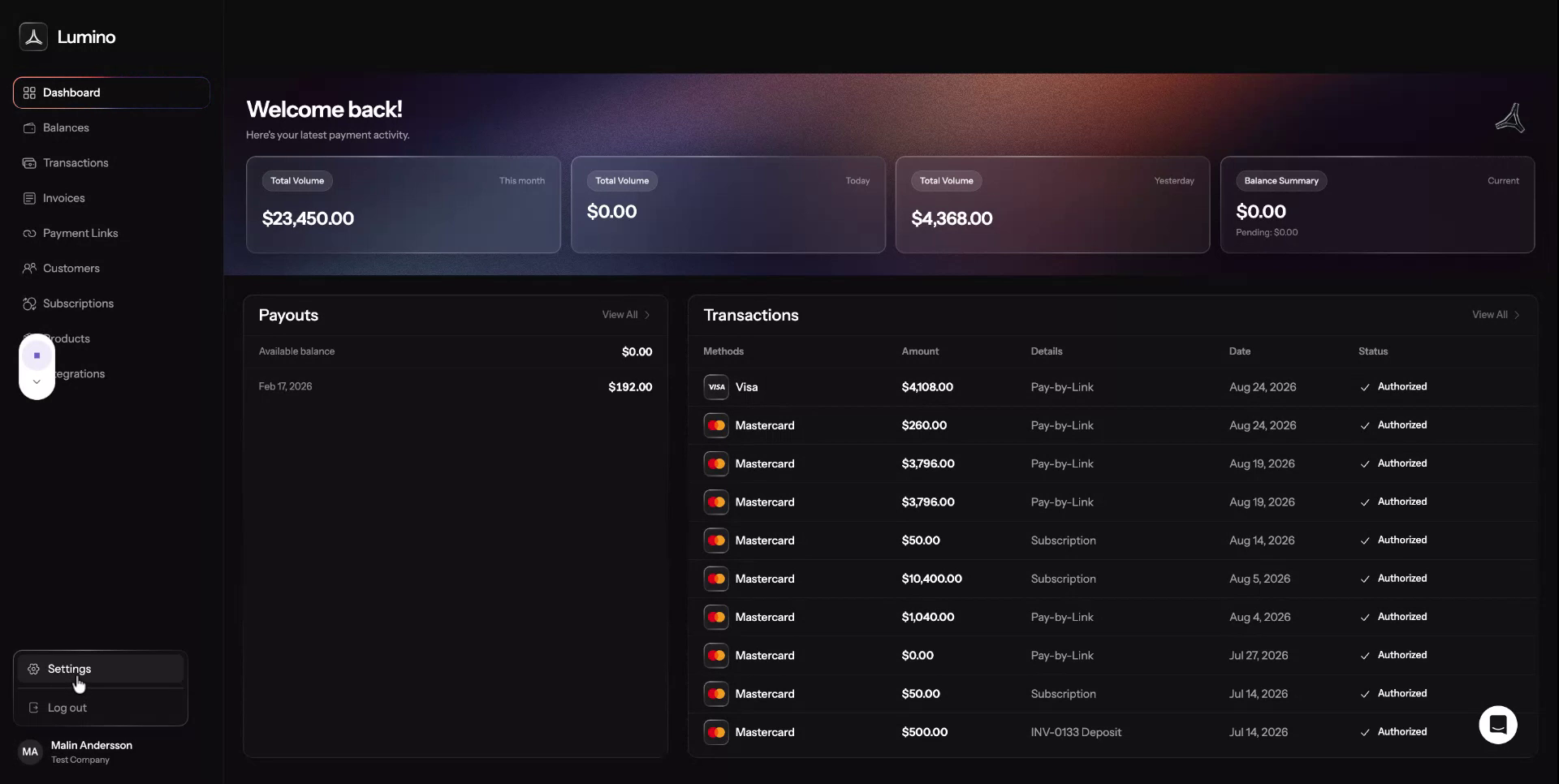
Step 2: Navigate to Payment Methods
In the Settings area, go to Payment Methods.
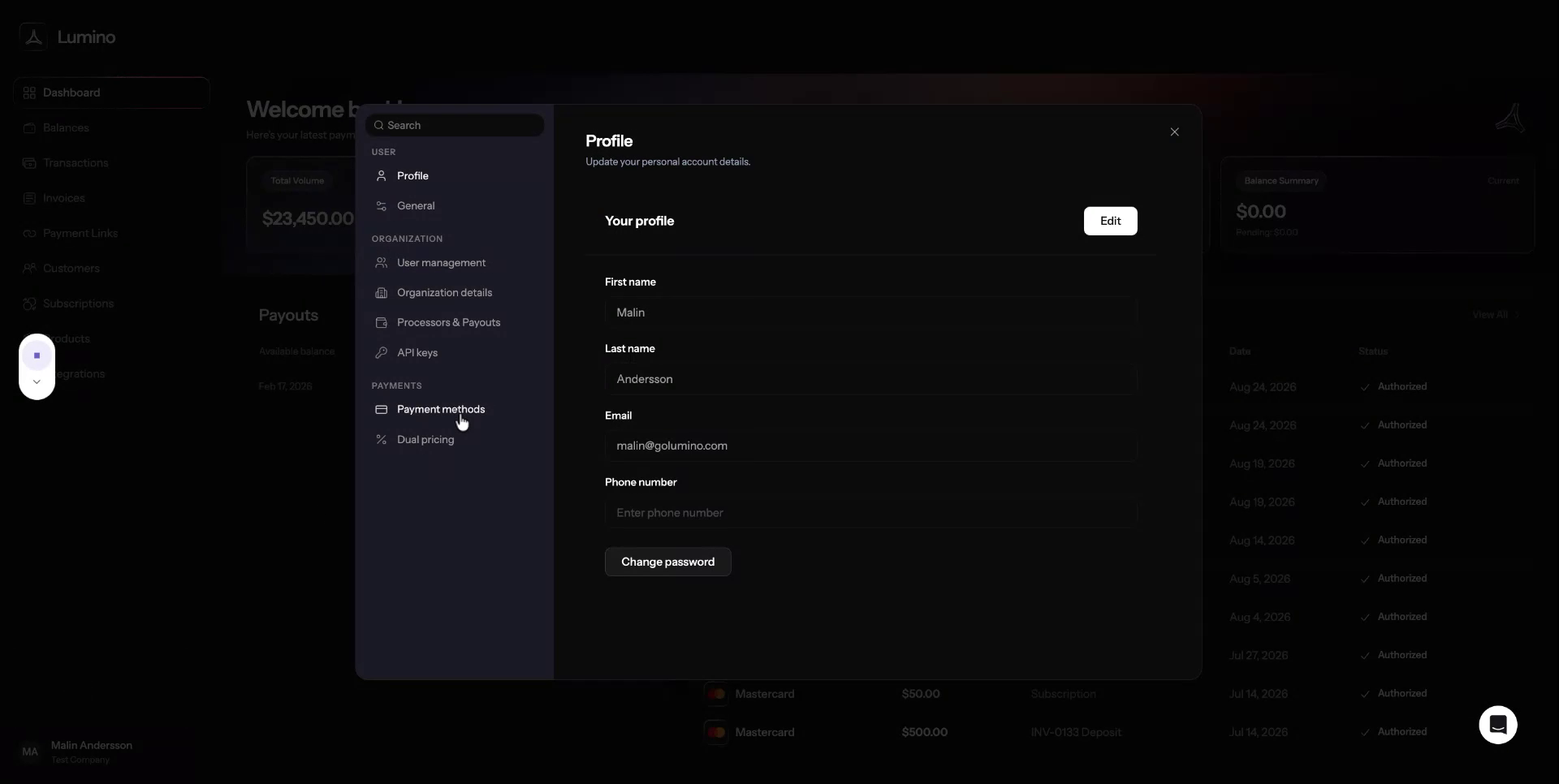
Step 3: Disable ACH Direct Debit
In Payment Methods, locate ACH direct debit and turn it off.
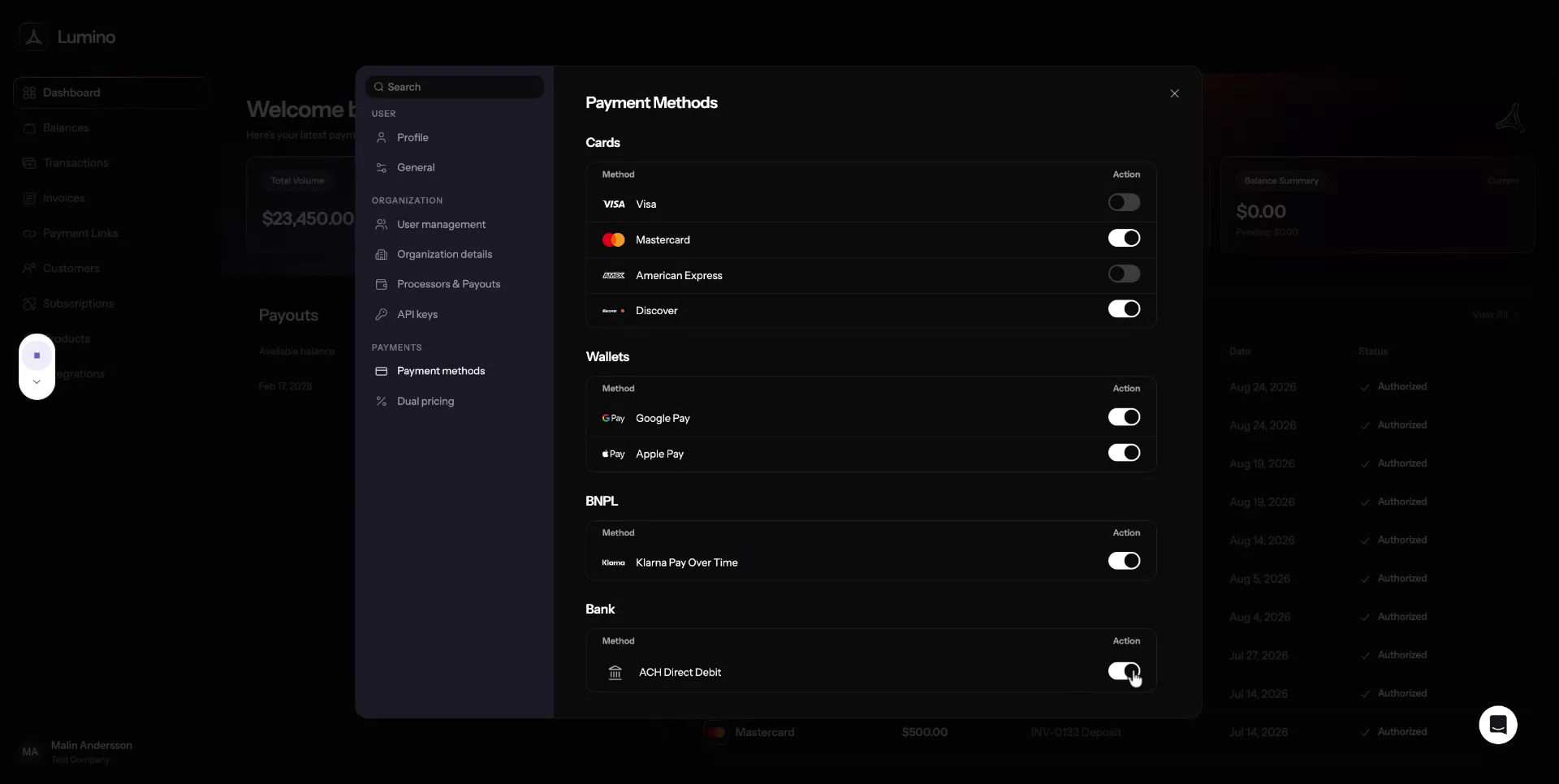
Once disabled, ACH will no longer appear as an option in your checkout.