
Credit Cards
Accept Visa, Mastercard, Amex and Discover
Step-by-step guide
Managing Credit Card Display in Checkout
Use this process to update which credit card types are available and visible to customers during checkout. Changes made here will automatically reflect in your checkout experience.
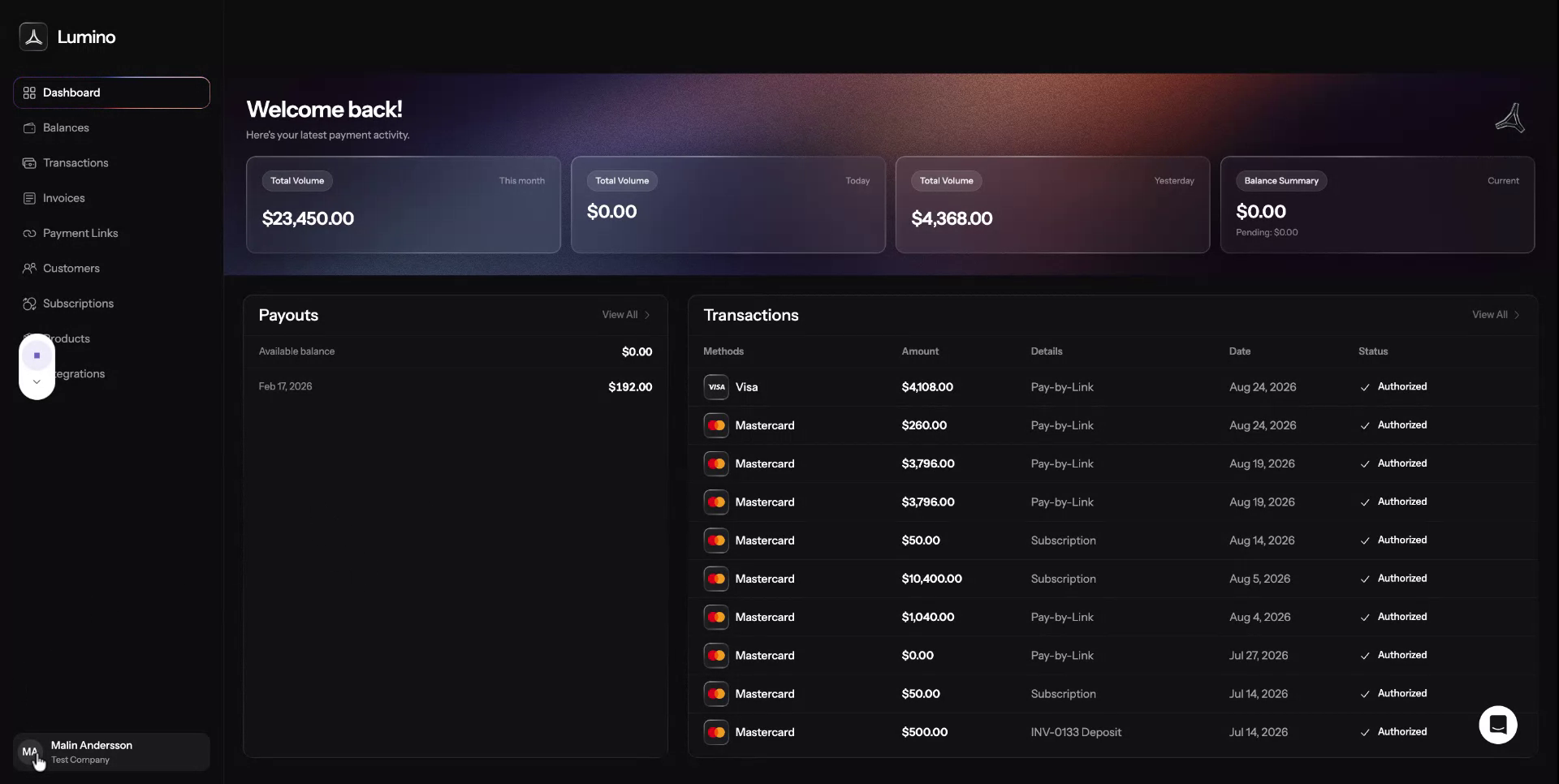
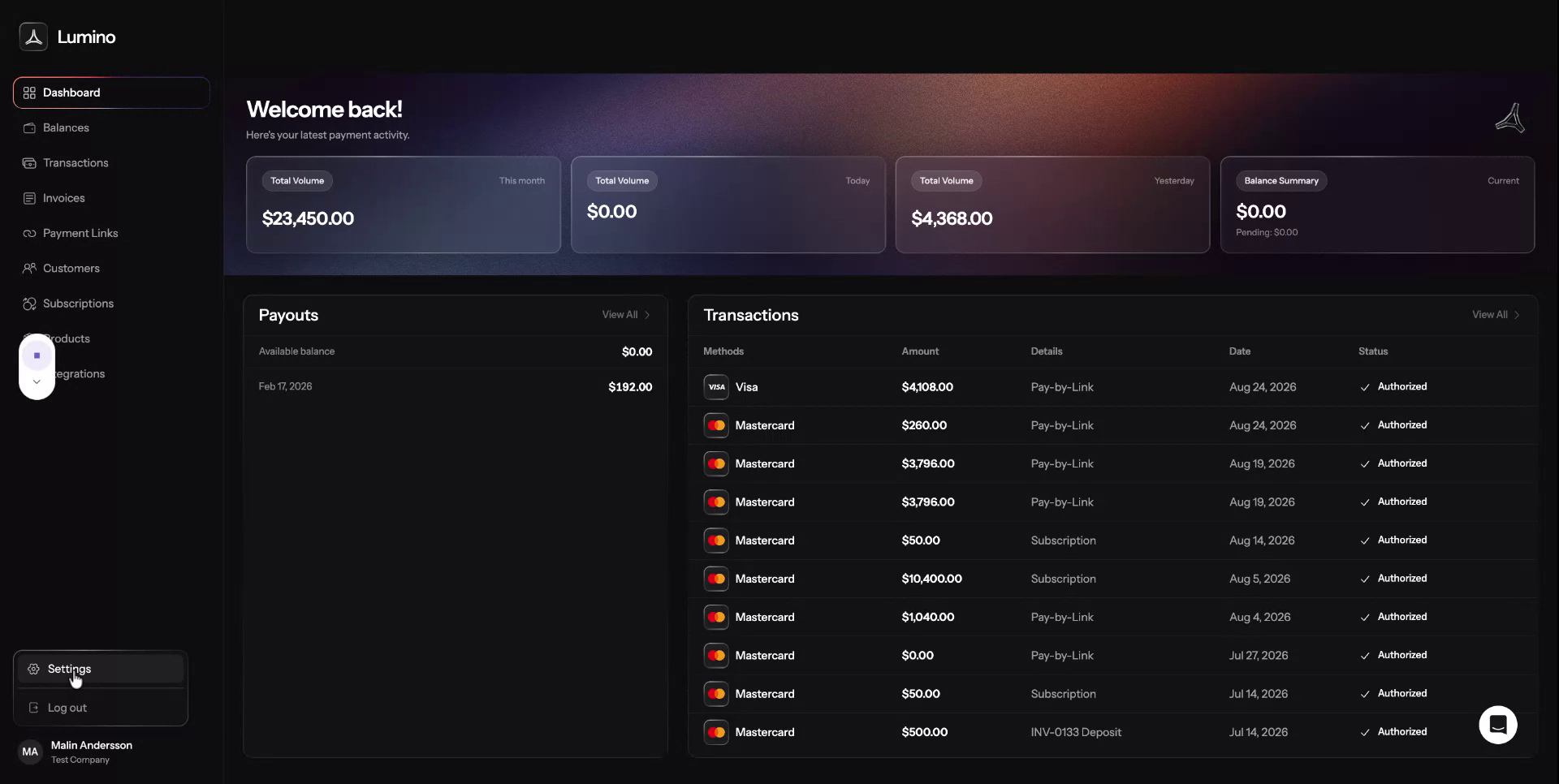
Step 1: Open the Settings Menu
At the bottom left of your screen, locate and click Settings.
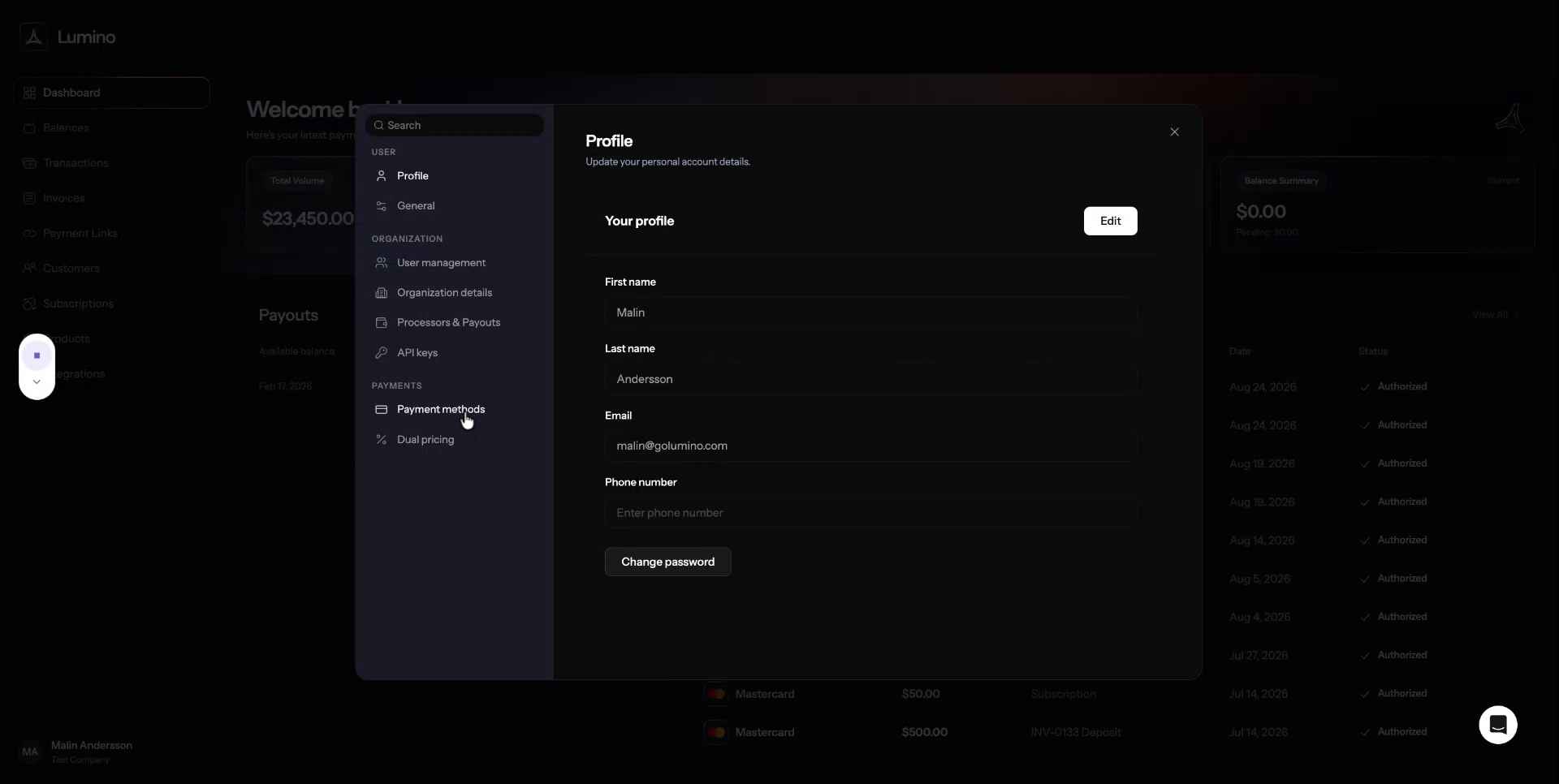
Step 2: Navigate to Payment Methods
In the Settings menu, select Payment methods to open the configuration page for payment options.
Step 3: Configure Credit Cards for Checkout
Within the Payment methods section, turn credit card options on or off based on which cards you want to display in your checkout.
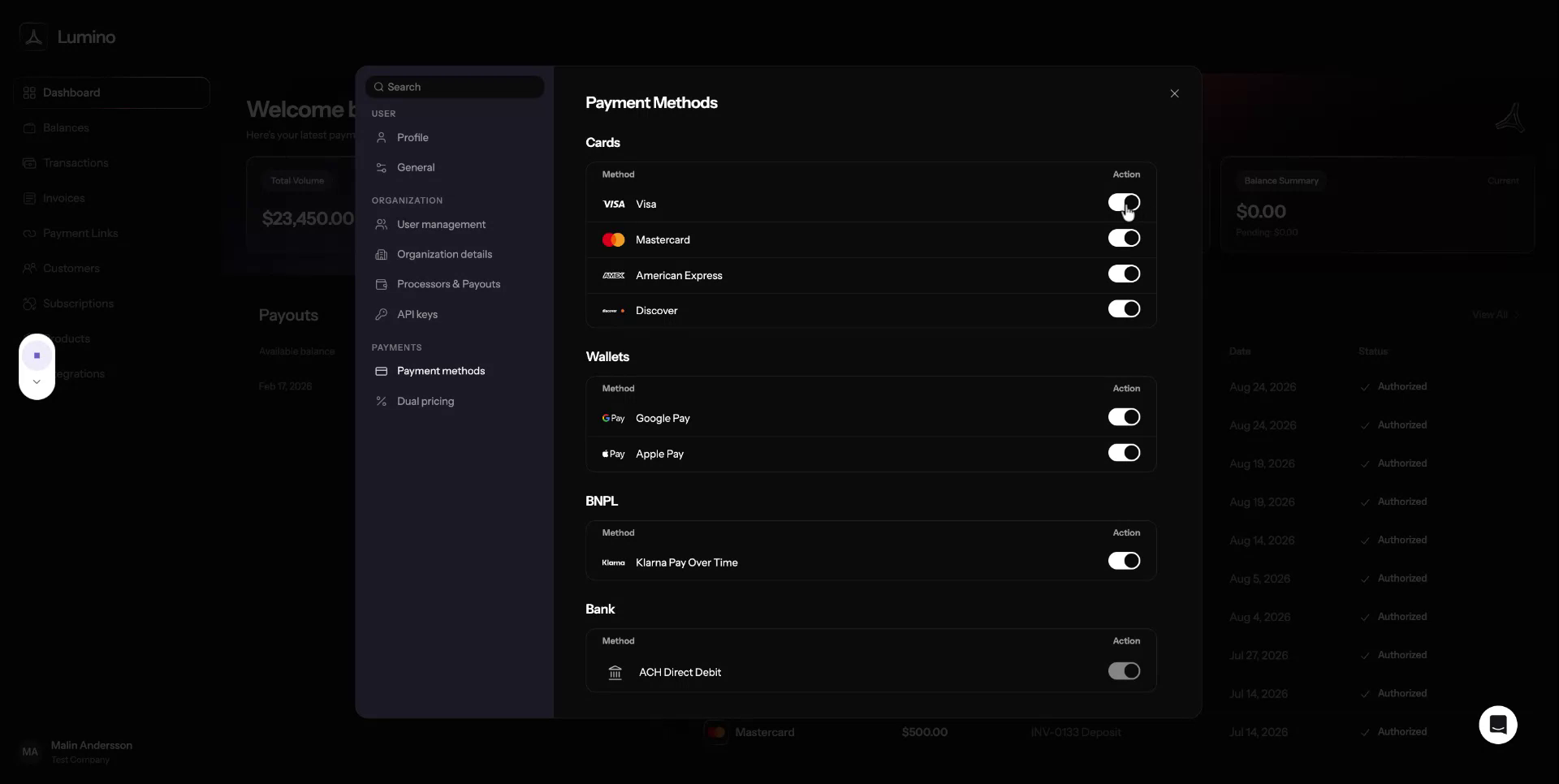
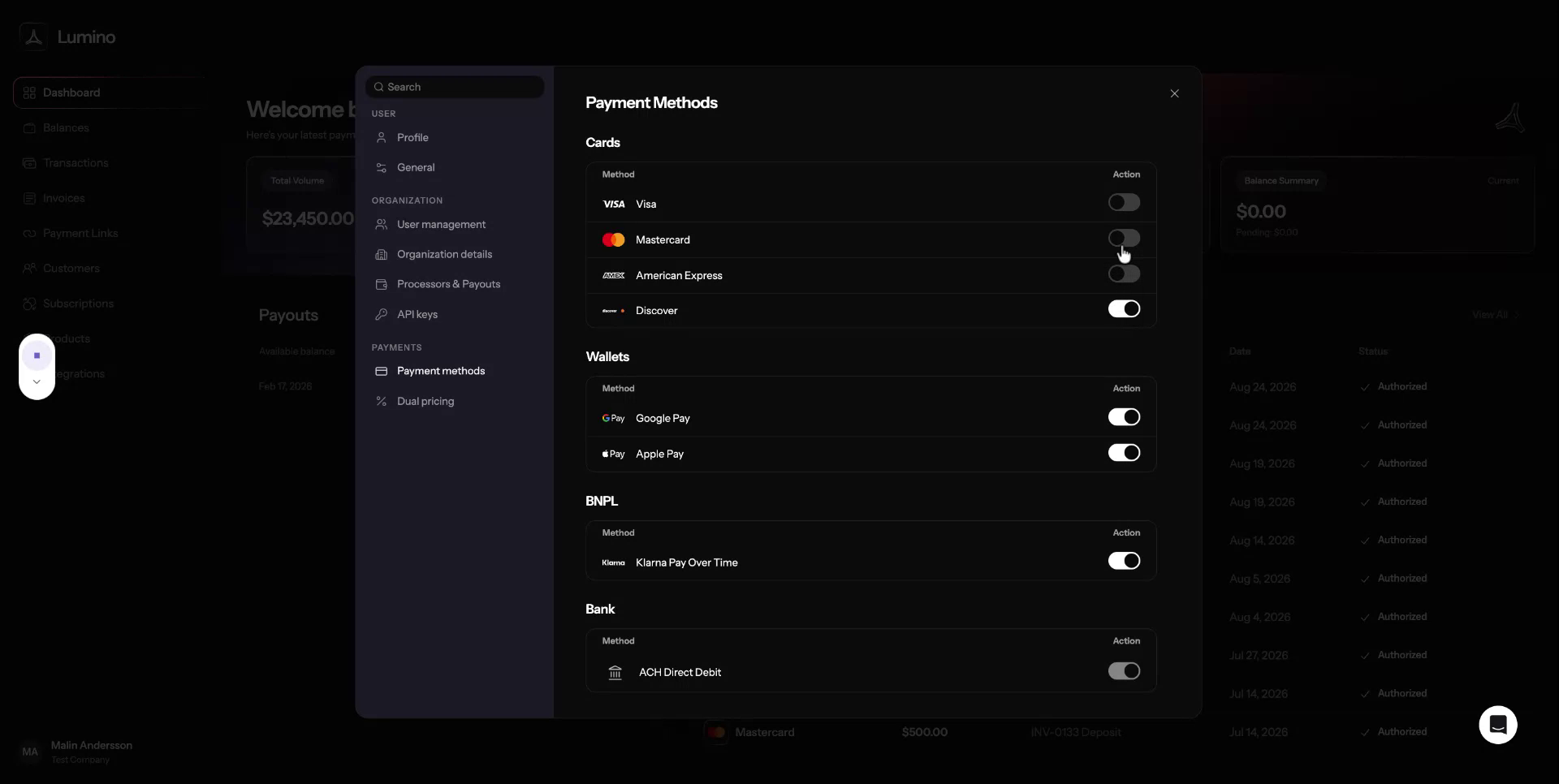
Your selections will automatically update and populate in your checkout.