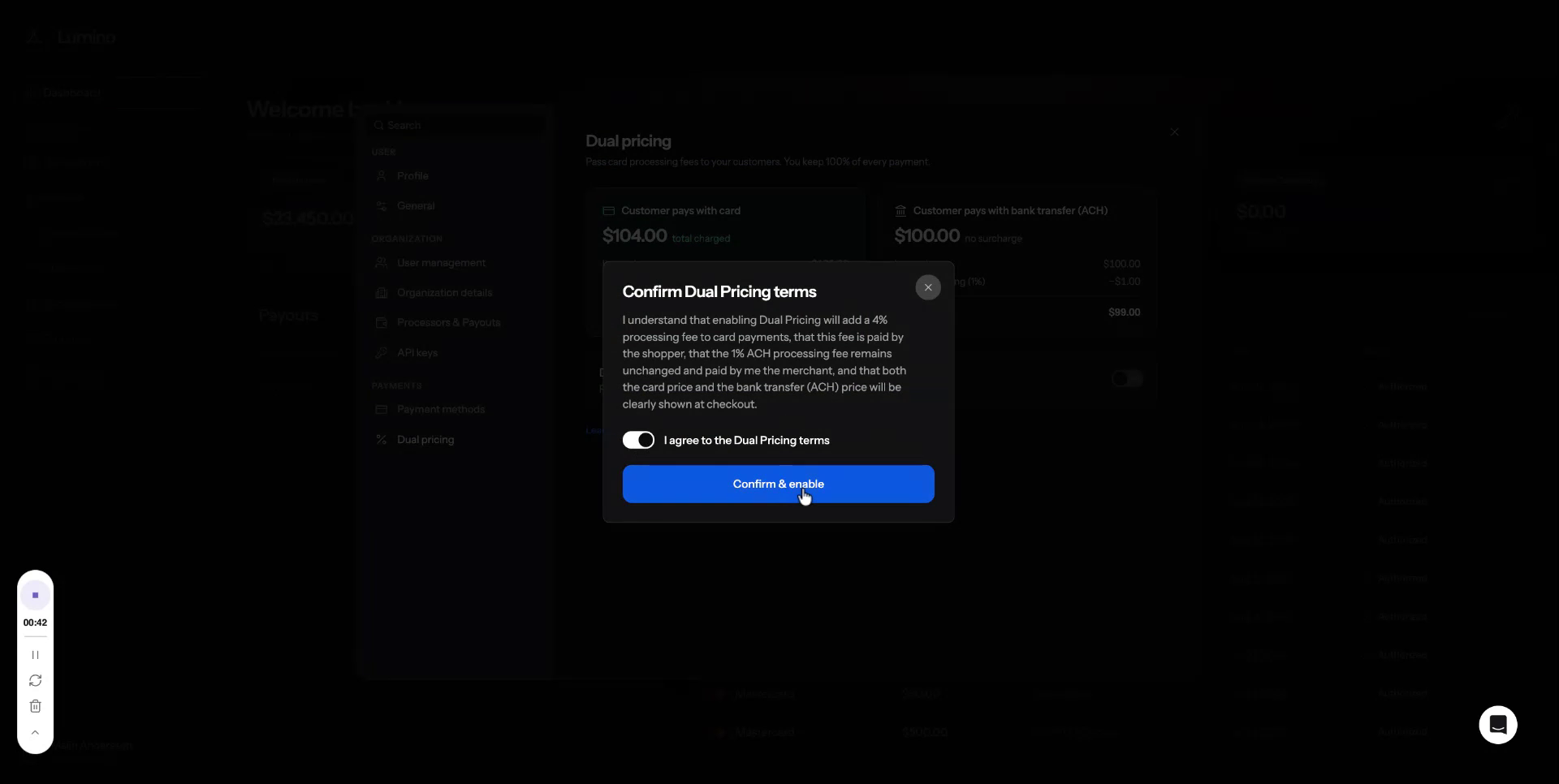
Dual Pricing
Pass card fees to customers and keep 100%
Step-by-step guide
Managing Dual Pricing Settings
Use the Dual Pricing settings to control how card processing fees are passed on to customers, while understanding how ACH payments are handled and how to enable or disable this feature as needed.
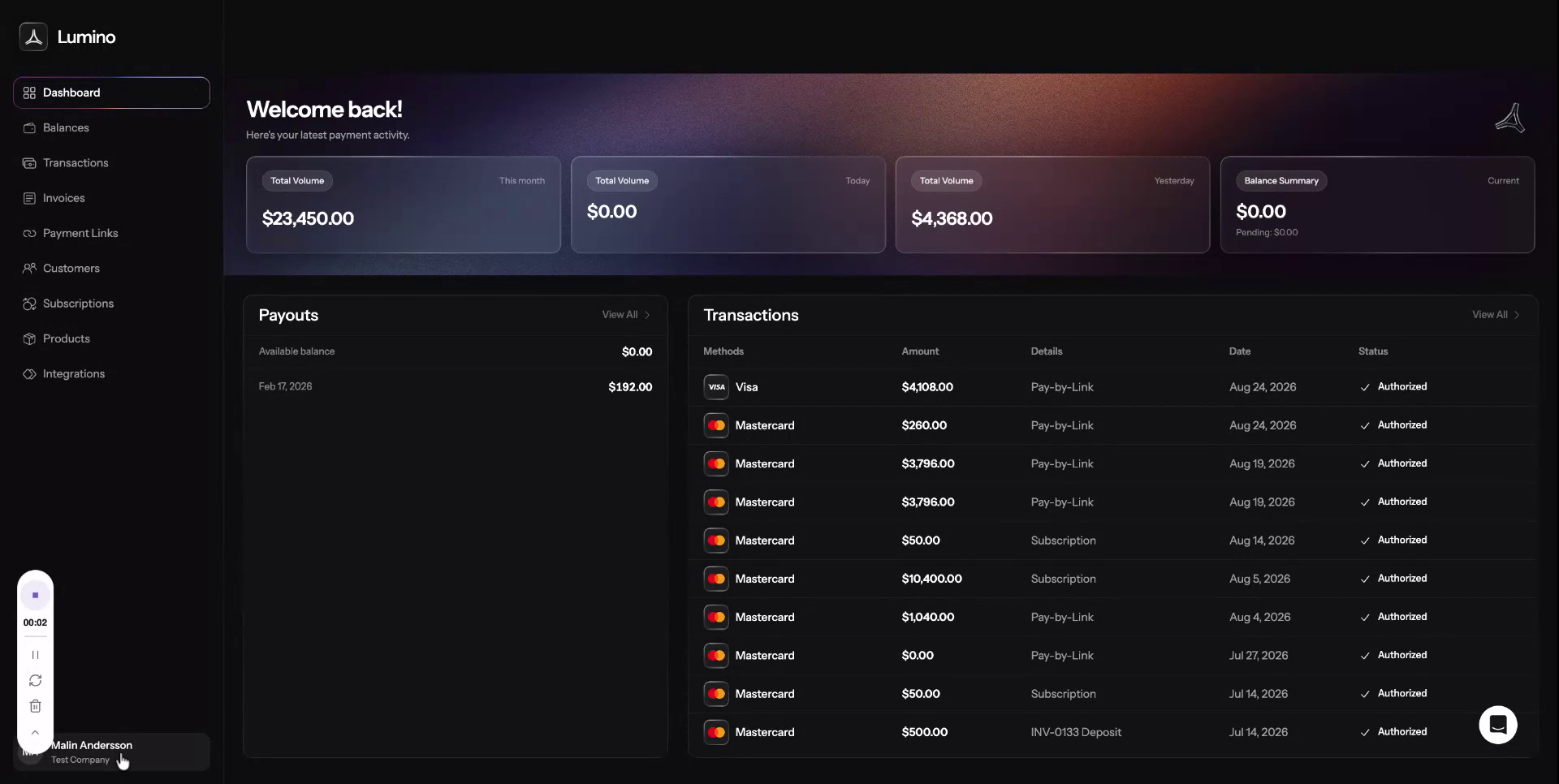
Step 1: Open the Settings Menu
Locate and open the Settings menu at the bottom-left corner of your screen.
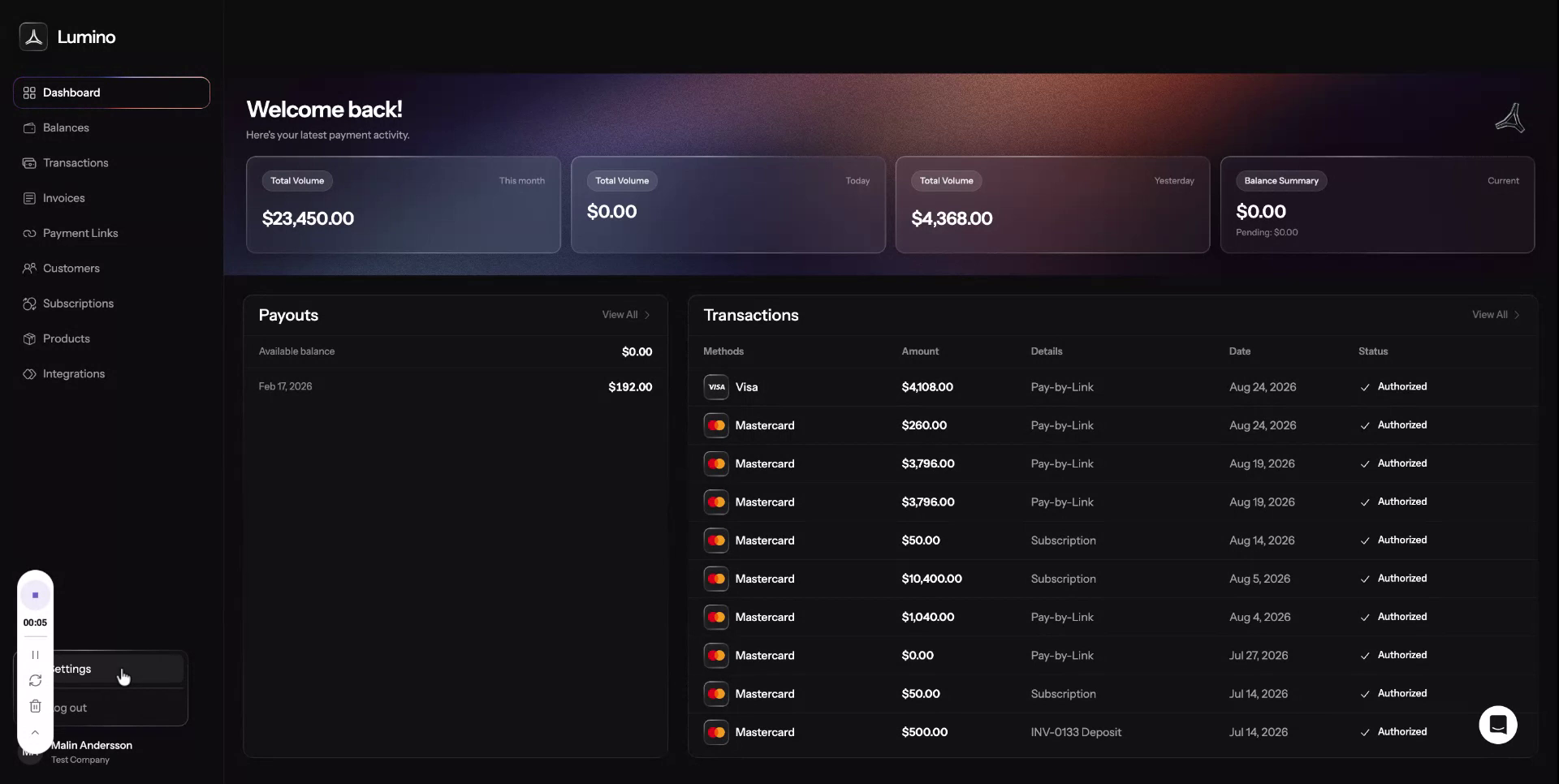
Step 2: Access the Dual Pricing Option
Within the Settings menu, find the Dual Pricing option and select it to open the Dual Pricing settings page.
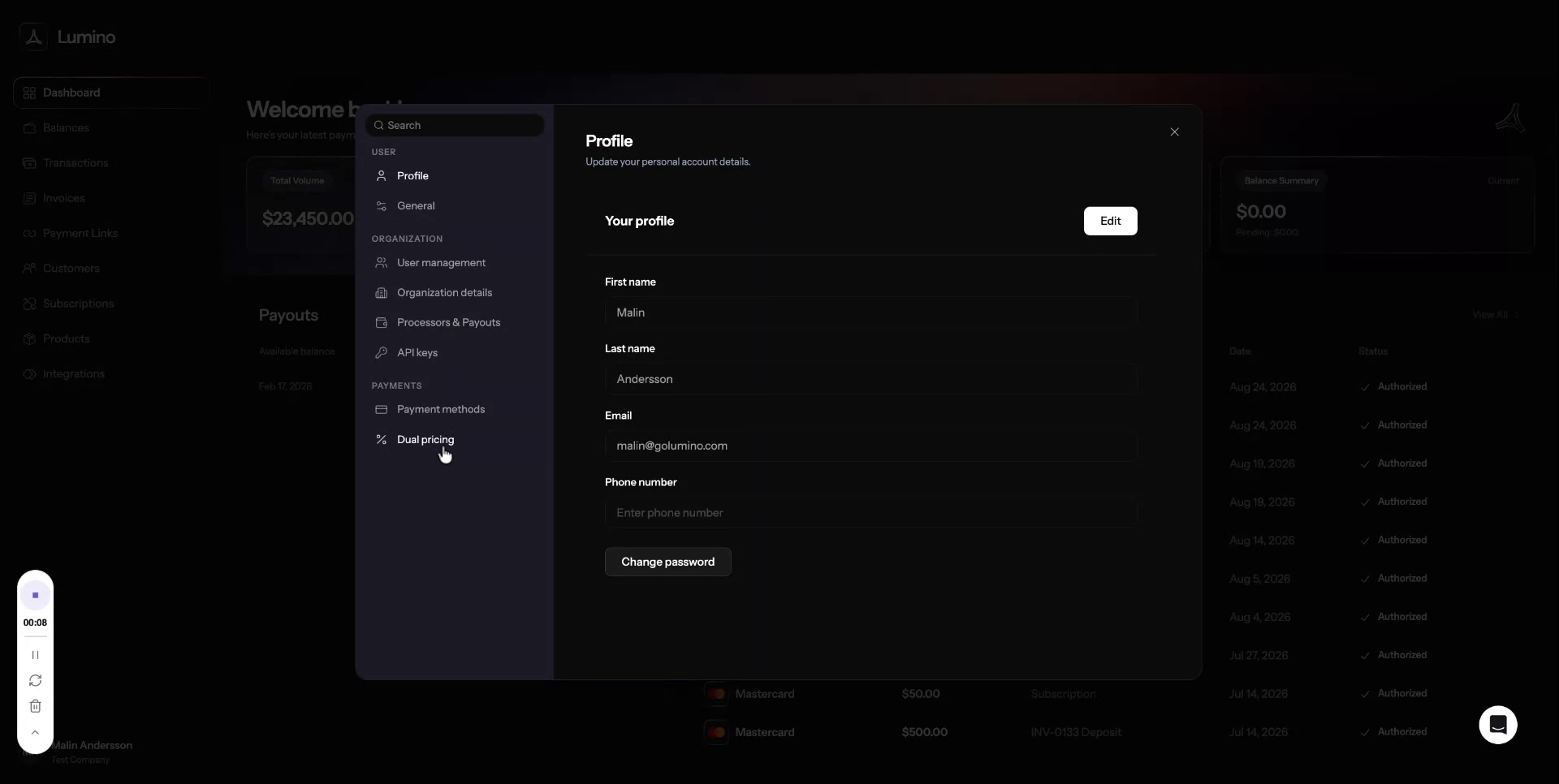
Dual pricing allows you to pass the card processing fee on to your customer so you receive 100% of the transaction amount. For ACH payments, no fee is added to the customer, but you will pay a 1% processing fee on those transactions.
Step 3: Disable Dual Pricing
In the Dual Pricing view, you can easily turn the feature on or off as needed. To disable Dual Pricing, click Disable dual pricing.
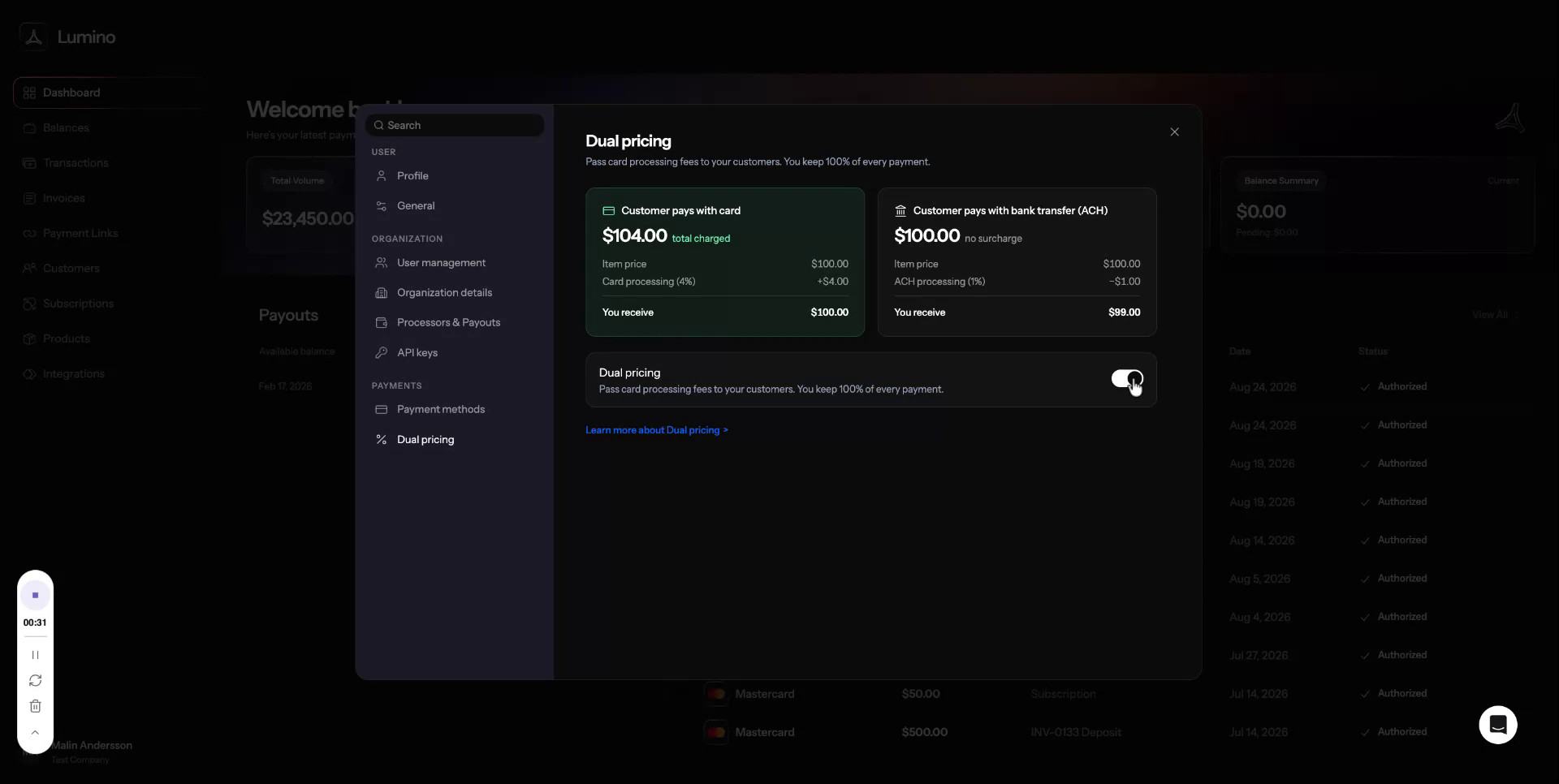

Step 4: Re-enable Dual Pricing
If you want to turn Dual Pricing back on, select the option to enable it.
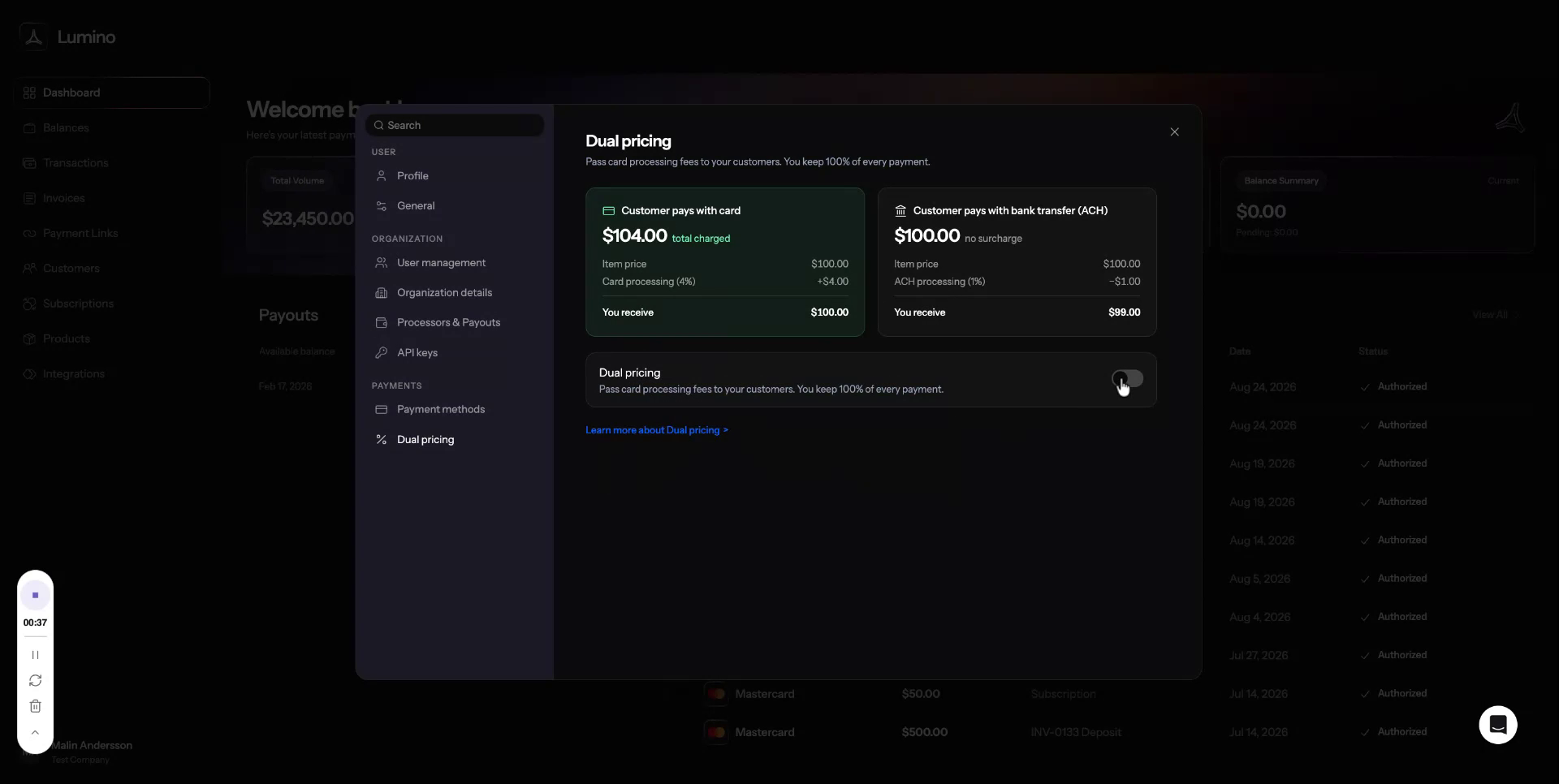
Review and agree to the terms and conditions to proceed.
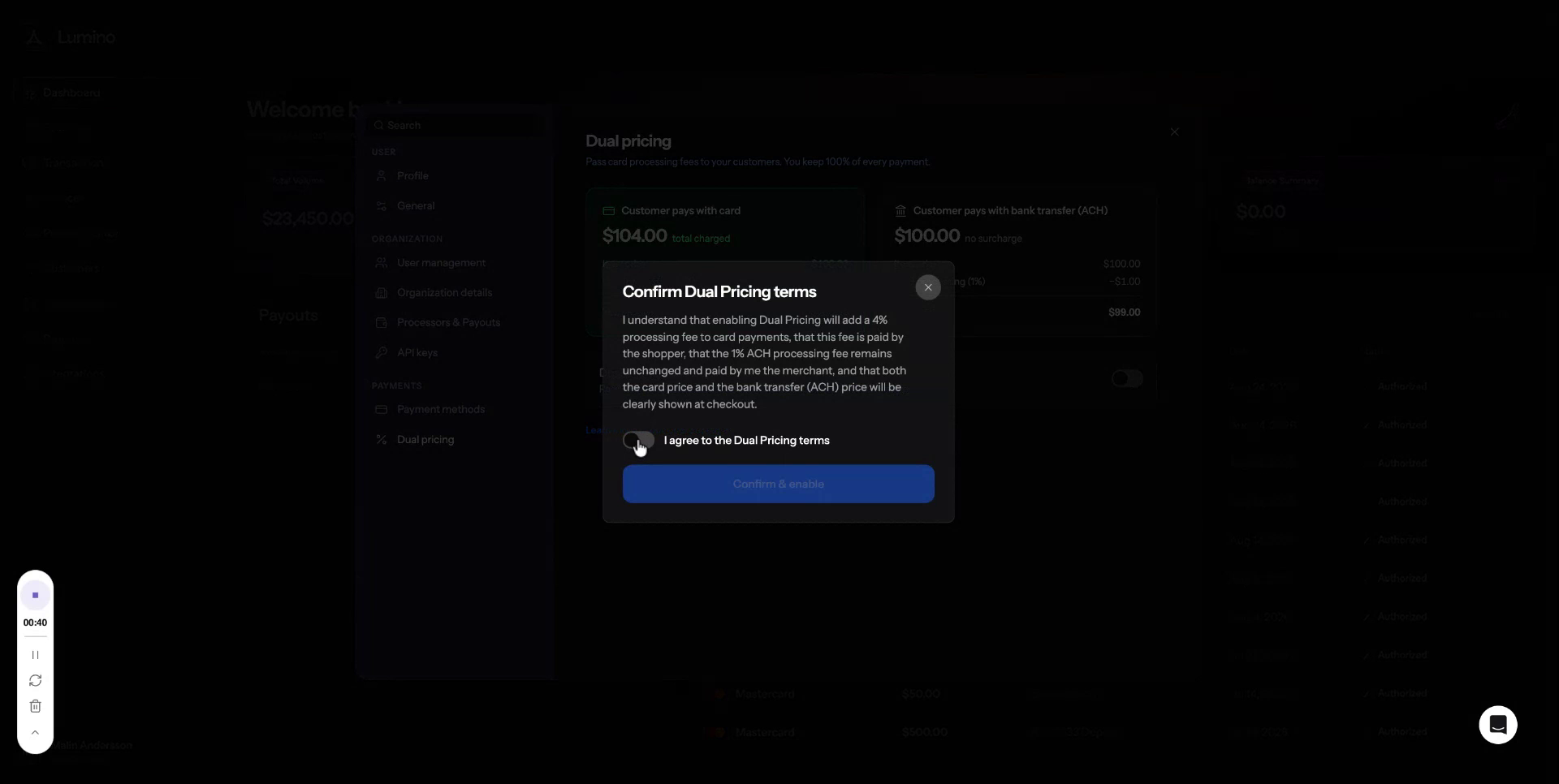
Then click Confirm Enable to turn Dual Pricing on again.